Introducing Checkpoint — the Compliance Console That Never Leaves Your Tenant
7/9/2026 · Compliance365
Most third-party compliance and GRC platforms ask for the same thing before they're useful: a copy of your riskiest data. Your risk register. Your audit findings. Your control gaps. Uploaded into someone else's SaaS, sitting in someone else's database, subject to someone else's breach notification process — and gone from your view the day you stop paying the licence.
We built Checkpoint because that trade-off shouldn't be necessary. It's a compliance console that runs entirely against your own Microsoft 365 tenant — every register is a SharePoint list you already own, and every posture check reads your live Entra, Intune and Defender signals over Microsoft Graph. Nothing is copied anywhere. There is no backend to breach, because there is no backend.
Why we built it
Every certification engagement we run hits the same friction point. A client is already paying for Microsoft 365 — Entra ID, SharePoint, Defender, Purview — tools that already hold most of the evidence an auditor wants. And yet the standard advice is to buy a separate third-party GRC platform, re-enter the same risks and controls into a second system, and hope the two never drift apart.
That second system usually wants your data too: risk descriptions, control statuses, sometimes screenshots of your actual security configuration. For organisations pursuing ISO 27001 or SOC 2 specifically because they take data handling seriously, shipping that data offsite to prove it always felt backwards.
Checkpoint is our answer: keep the register where the data already lives.
What's actually inside
| Module | What it does |
|---|---|
| Posture scan | 22 automated checks against your live tenant — MFA coverage, Conditional Access, PIM usage, guest accounts, device compliance, risky OAuth grants, Secure Score — with an optional scheduled monitor that flags drift daily. |
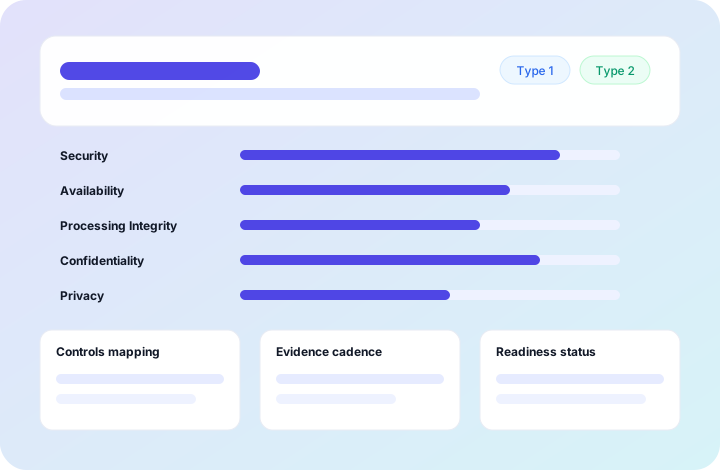
| Statement of Applicability | A living, per-framework control set — applicability, status, ownership, verification date, evidence link — the document your auditor opens first. |
| Risk & actions register | Scan findings propose risks; approving one creates treatment actions; completing actions recalculates residual risk automatically. |
| Vendor risk register | Records exactly what data each vendor can access and suggests a criticality tier from it — see below. |
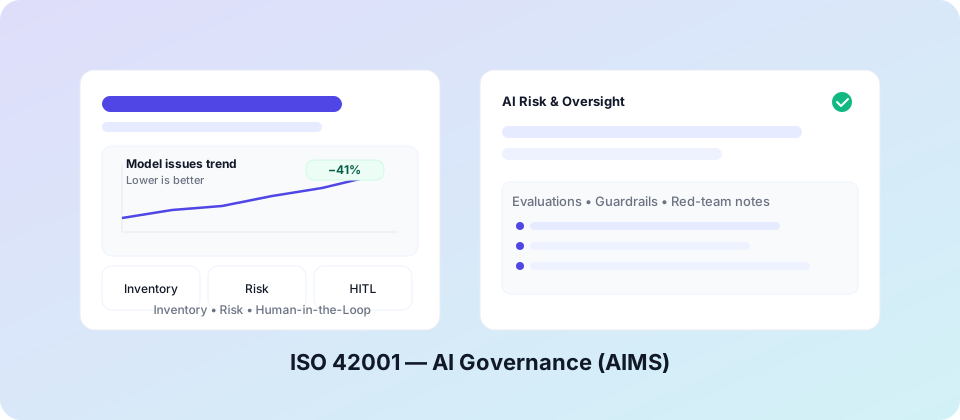
| AI governance | An ISO 42001-aligned AI systems register with EU AI Act risk tiers, plus discovery that spots Copilot and other AI apps already consented to in your tenant. |
| Governance rhythm | Internal audit programme, management review records, a compliance calendar and an append-only audit log — clauses 9.2 and 9.3 satisfied continuously, not assembled the week before audit. |
| Reporting | SoA export, audit readiness report, board view, and a time-boxed Auditor Pack your certifier can open without needing a licence. |
Seven frameworks are cross-mapped so the same piece of evidence — an MFA enforcement screenshot, a signed policy — satisfies every framework it's relevant to, once: ISO 27001, SOC 2, Essential Eight, ISO 42001, ISO 27701, DISP/IRAP and NIST CSF.
The part we think matters most: vendor risk that asks the right question
Most vendor risk registers stop at "how critical is this vendor?" — a single dropdown, usually a guess, usually never revisited. That's the wrong first question. The right first question is what data can this vendor actually touch? Criticality should follow from that, not substitute for it.
Checkpoint's vendor register asks you to classify what each vendor has access to — health information, customer PII, financial data, credentials and secrets, production systems, employee data, company-confidential material — and suggests a criticality tier from that classification, live, as you tick boxes. A vendor with production system access gets flagged Critical whether or not anyone remembered to think of it that way. The suggestion is never applied automatically; you can always override it. But it means a vendor register actually reflects blast radius instead of a gut feeling from onboarding day.
The same classification feeds the vendor questionnaire Checkpoint drafts for you — it asks specifically about the data categories you've flagged, storage location and encryption, instead of a generic one-size-fits-all form.
How the "no backend" part actually works
This is the claim that gets the most scepticism, so it's worth being precise about it:
- Sign-in is your own Microsoft account, via MSAL's redirect flow — Checkpoint never sees or stores your credentials.
- Posture checks are read-only Microsoft Graph calls made directly from your browser to Microsoft's own API. Write access to SharePoint is a separate consent step, requested only when a register first needs it.
- Every register is a SharePoint list provisioned into your tenant — risks, actions, controls, evidence index, audit log, vendor register. They inherit your existing permissions, retention policy and version history. Offboarding costs nothing, because the data was always yours.
- The app itself is a static site with no server-side component: no database to breach, no API that holds a copy of your risk register, nothing to subpoena that isn't already inside your own tenant.
- It ships with a strict Content-Security-Policy, no CDN dependencies at runtime, and content-hashed assets with Subresource Integrity — so what your browser executes is verifiably what we built, every time.
The practical result: if you ever stop using Checkpoint, nothing needs to be exported, migrated or deleted from a third-party system, because there never was one. Your risk register was a SharePoint list before Checkpoint touched it, and it still is.
Who it's for
Checkpoint is built for organisations already running on Microsoft 365 who are pursuing — or maintaining — ISO 27001, SOC 2, Essential Eight, ISO 42001, ISO 27701, DISP/IRAP or NIST CSF alignment, and for the consultants who run those engagements for them. It doesn't replace an accredited certification body's audit; it replaces the spreadsheet, the disconnected GRC platform, and the week of evidence-gathering panic before a surveillance audit.
Try it
The demo runs entirely in your browser against sample data — no sign-up, nothing installed, nothing sent anywhere. Or book a 30-minute walkthrough and we'll run a real, read-only posture scan against your own tenant, so you leave with your actual gaps rather than a sales deck.
See Checkpoint against your own tenant, or explore the live demo first.
Explore CheckpointFound this useful? Get the ISO/Privacy/AI readiness checklists.
Browse resources